
Breaking the Mold: The Case for Custom FHIR Resources
Exploring the strategic value of Logical Models in FHIR architecture: when to use them, why they matter, and how to implement them using FHIR Shorthand (FSH).
FHIR
Architecture
FSH
In the world of FHIR, an Implementation Guide (IG) is the source of truth for your data models. It defines the profiles, value sets, and search parameters that your system must support. Traditionally, updating an IG meant rebuilding your server or at least a restart.
In a production environment where 24/7 availability is critical, this downtime is unacceptable. In this post, we’ll explore the dynamic IG management lifecycle.
FHIR profiles evolve. A new version of US Core or a local pathology IG might be released, and your server needs to adapt. If you have to cycle your server for every profile tweak, you’re introducing risk and downtime.
Our HAPI FHIR Groovy server supports the $install operation on the ImplementationGuide resource. This allows you to upload a compiled IG package (package.tgz) while the system is running.
First, ensure your server is configured to allow dynamic IG management in application.yaml:
hapi:
  fhir:
    ig_runtime_upload_enabled: true
Export your IG from Simplifier or the FHIR IG Publisher as a .tgz file.
You can use a simple POST request to the server, passing the base64-encoded NPM package.
POST /ImplementationGuide/$install
Content-Type: application/fhir+json

{
  "resourceType": "Parameters",
  "parameter": [
    {
      "name": "npmContent",
      "valueBase64Binary": "H4sIAAAAAAAAA+..."
    }
  ]
}
To make life easier for DevOps engineers, I’ve provided shell scripts in the utils folder that automate this process.
./install.sh --type local --url http://localhost:8080 --file profiles-r4.tgz
If you need to retract a specific version of an IG:
./uninstall.sh --url http://localhost:8080 --ig_name fhir.example.ig --version 1.0.0
When you install an IG dynamically:
When you install an IG dynamically, you may introduce new SearchParameter resources. Simply installing the IG is step one. Step two is Reindexing.
By decoupling IG management from the deployment cycle, you allow clinical modelers and developers to iterate on data structures independently. It transforms your FHIR server into a truly living platform that can adapt to changing clinical requirements without skipping a beat.
Deep dive into the docs: doc/ig.md.
Exploring the strategic value of Logical Models in FHIR architecture: when to use them, why they matter, and how to implement them using FHIR Shorthand (FSH).

A deep dive into the three powerful methods for including graphical representations in FHIR Implementation Guides: Mermaid, PlantUML, and the new automated Class Diagrams.

How to implement structured, FHIR-native audit trails that satisfy HIPAA and GDPR requirements using the AuditEvent resource.

Learn how to extend your HAPI FHIR server at runtime using Groovy scripts, allowing for hot-reloadable Interceptors and Resource Providers.

How to move beyond static test data by combining the scale of Synthea with the precision of Flexporter to build realistic, custom healthcare environments.
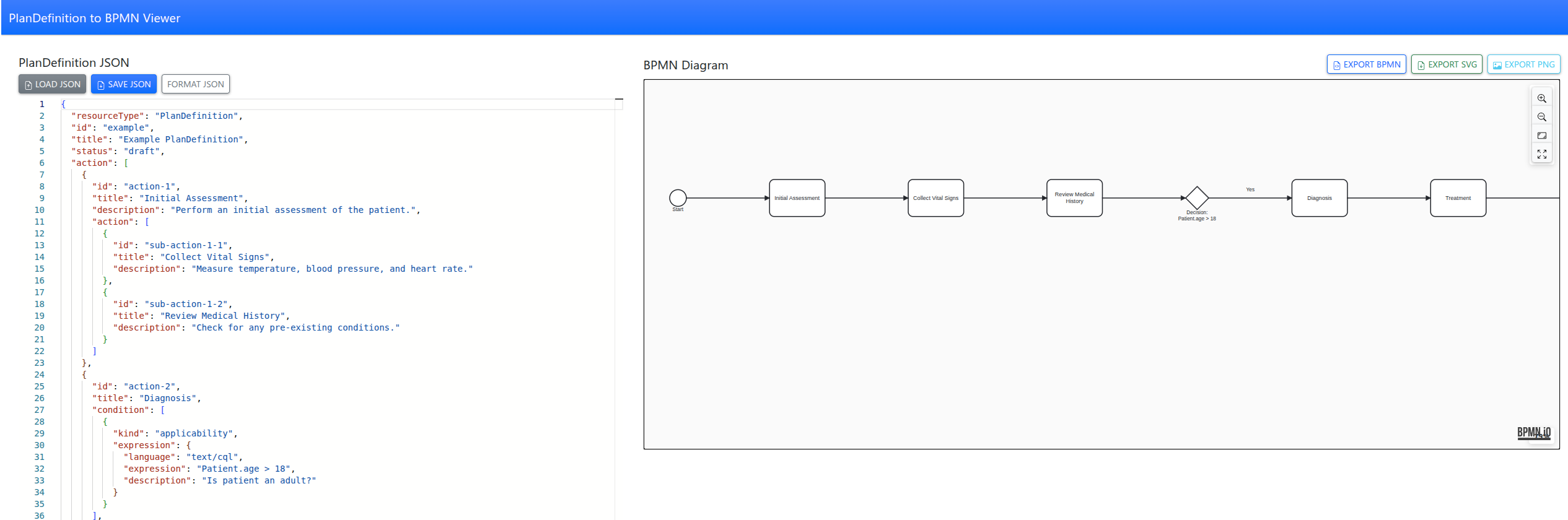
Tool to convert FHIR PlanDefinitions into interactive BPMN diagrams with a simple web app, making complex care pathways easy to visualize and understand.
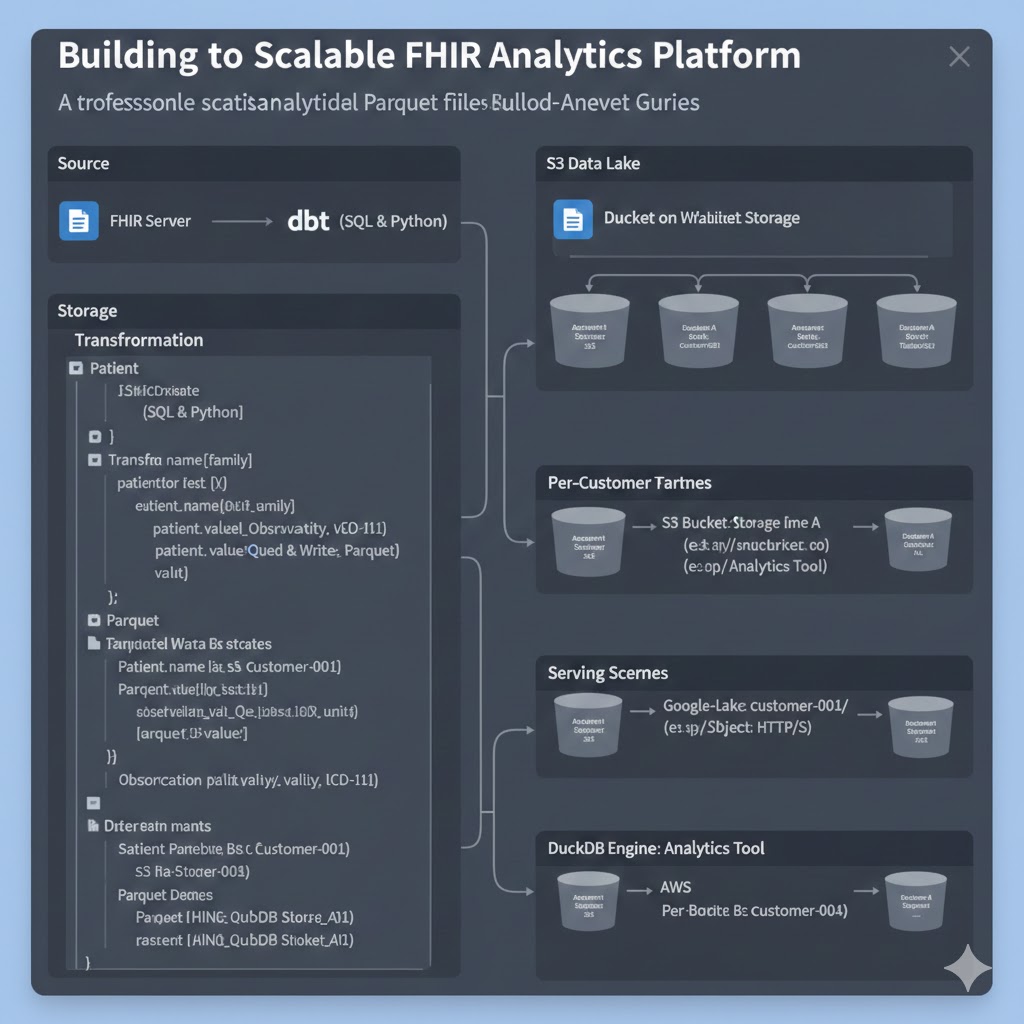
A professional guide to converting FHIR resources into analytical Parquet files using dbt, enabling secure multi-tenant analytics with DuckDB.

Why JUnit is not enough for testing FHIR servers and how to use Karate DSL to write expressive, clinical-scenario-based API tests.